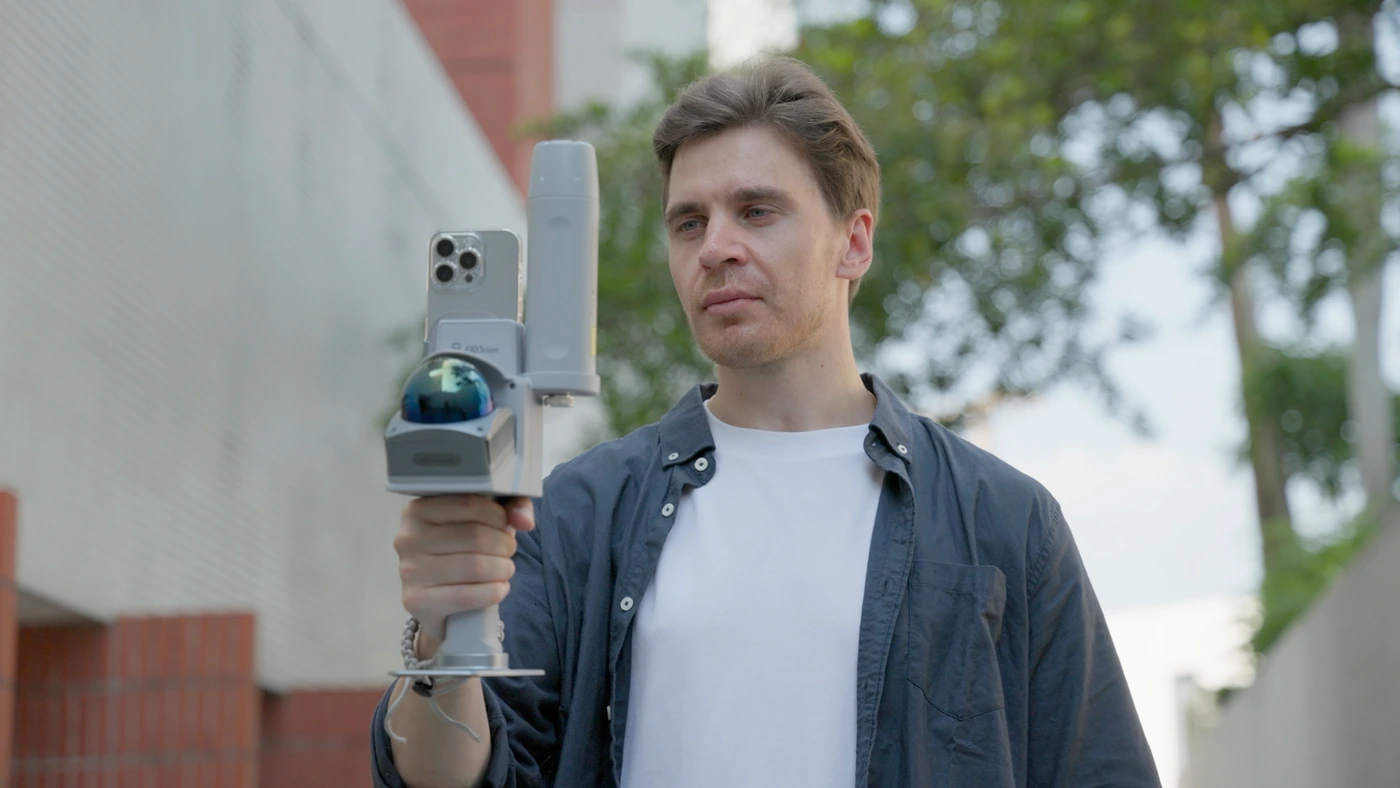
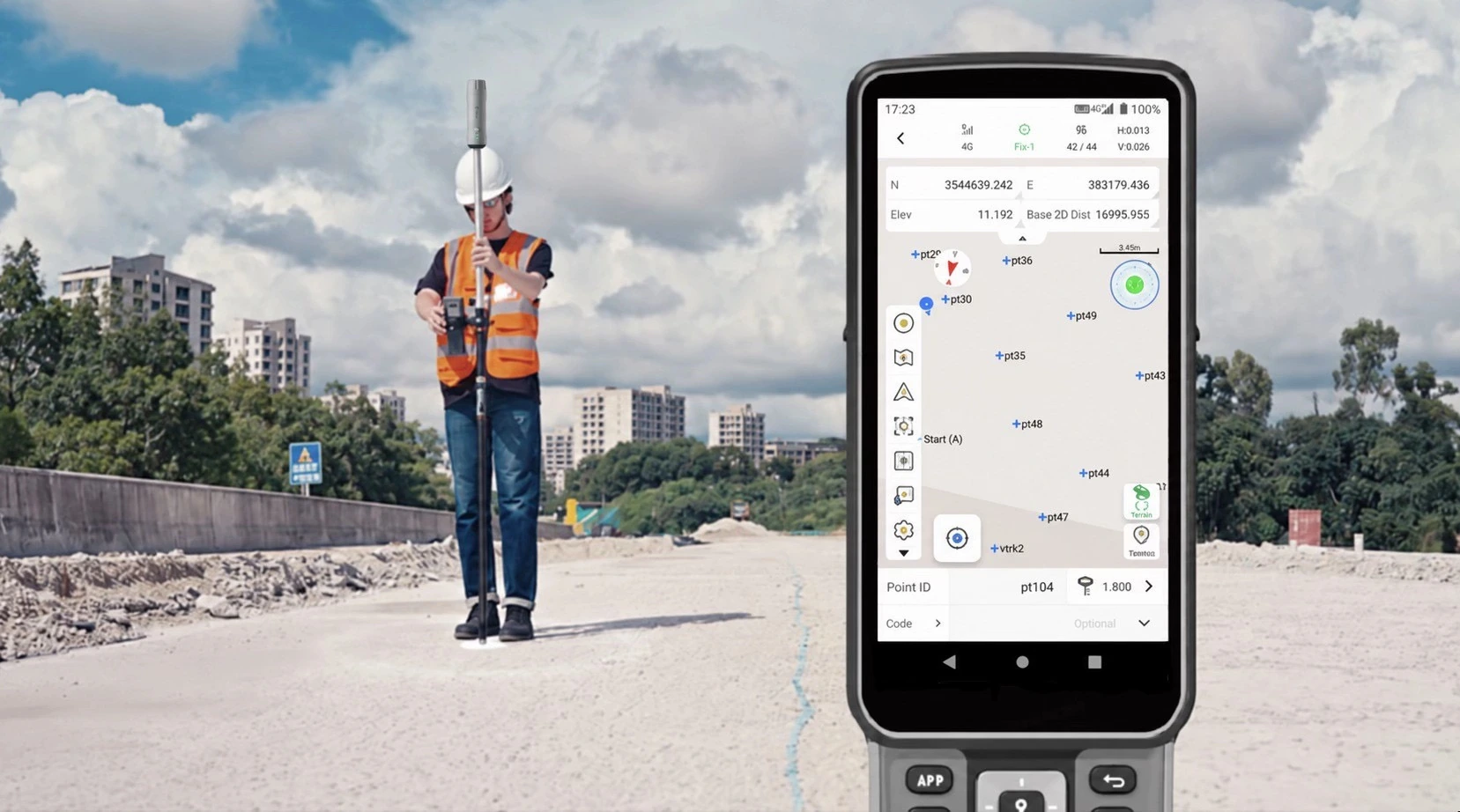
Georeferenced LiDARSite geometry.
Site geometry.
In the right place.
Shared project coordinatesBrowser-based collaborationReusable project data
Absolute scan accuracy
Manufacturer specificationWorkflow benefit
Give the office a registered dataset with independent checkpoint results.Recommended setupAn integrated setup.
An integrated setup.
From field to office.
Combine V4E Combo scanning and GNSS positioning with Model Web processing for georeferenced deliverables.
Connected tools. One field workflow.
V4E Combo + Model Web
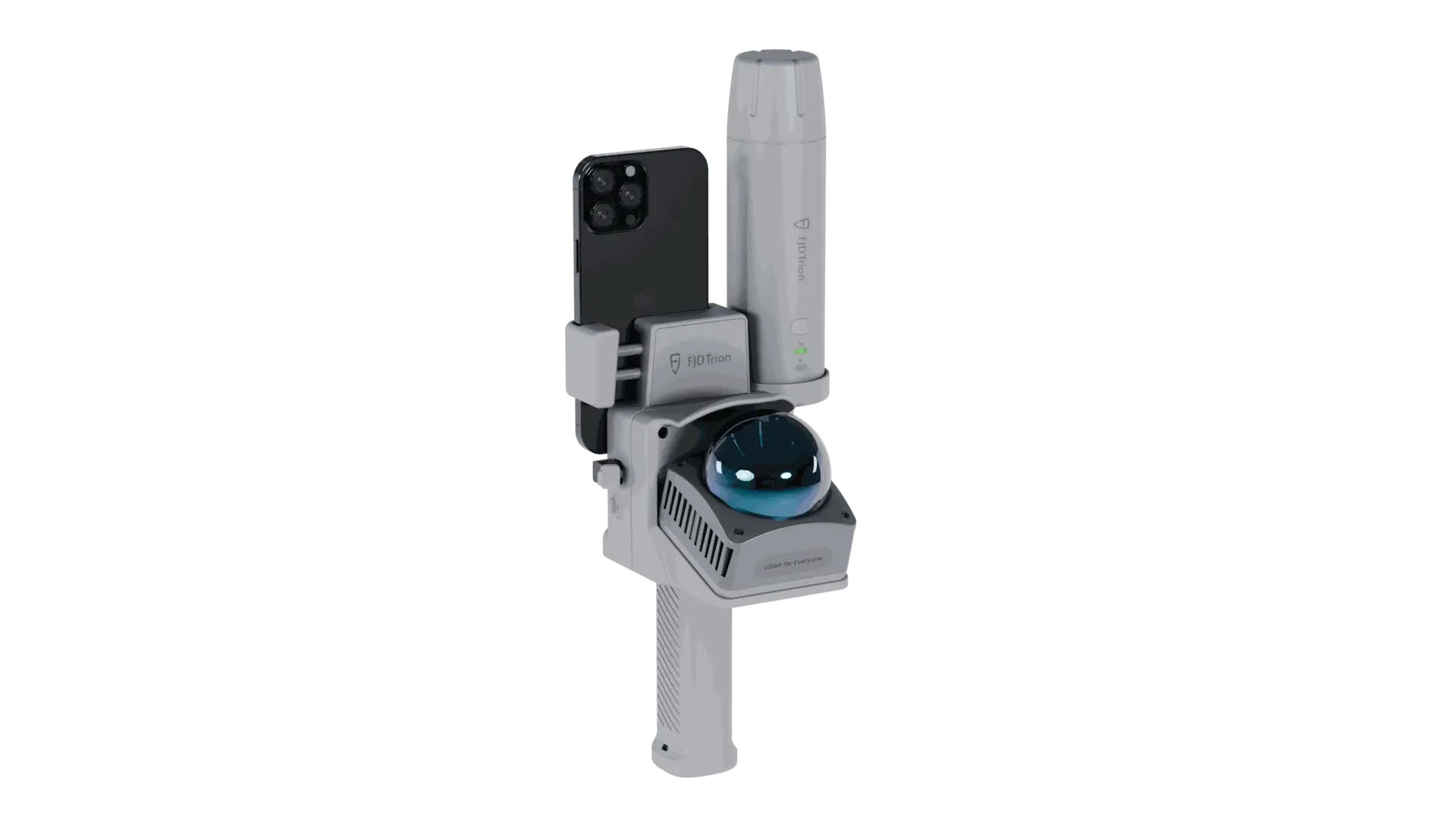
V4E Combo
Combine LiDAR scanning and GNSS positioning in one field setup.
View in storeProduct detailsPackage & compatibility details for V4E Combo
Before ordering: confirm scanner and GNSS models, included phone mounts, software entitlements, corrections and the full bundle contents.

Model Web
Process scan data, review the result and share project outputs.
View plans in storeProduct detailsPackage & compatibility details for Model Web
Confirm supported inputs, activated modules, storage/credits and export costs. A software subscription is not assumed to be included with hardware.
Hardware, accessories and software plans may be sold separately. Confirm the selected package before ordering.
WorkflowFrom field preparation
From field preparation
to project handover.
Construction sites · Open utilities · As-built records
Georeferenced LiDAR
View the field workflow.
Video coming soon
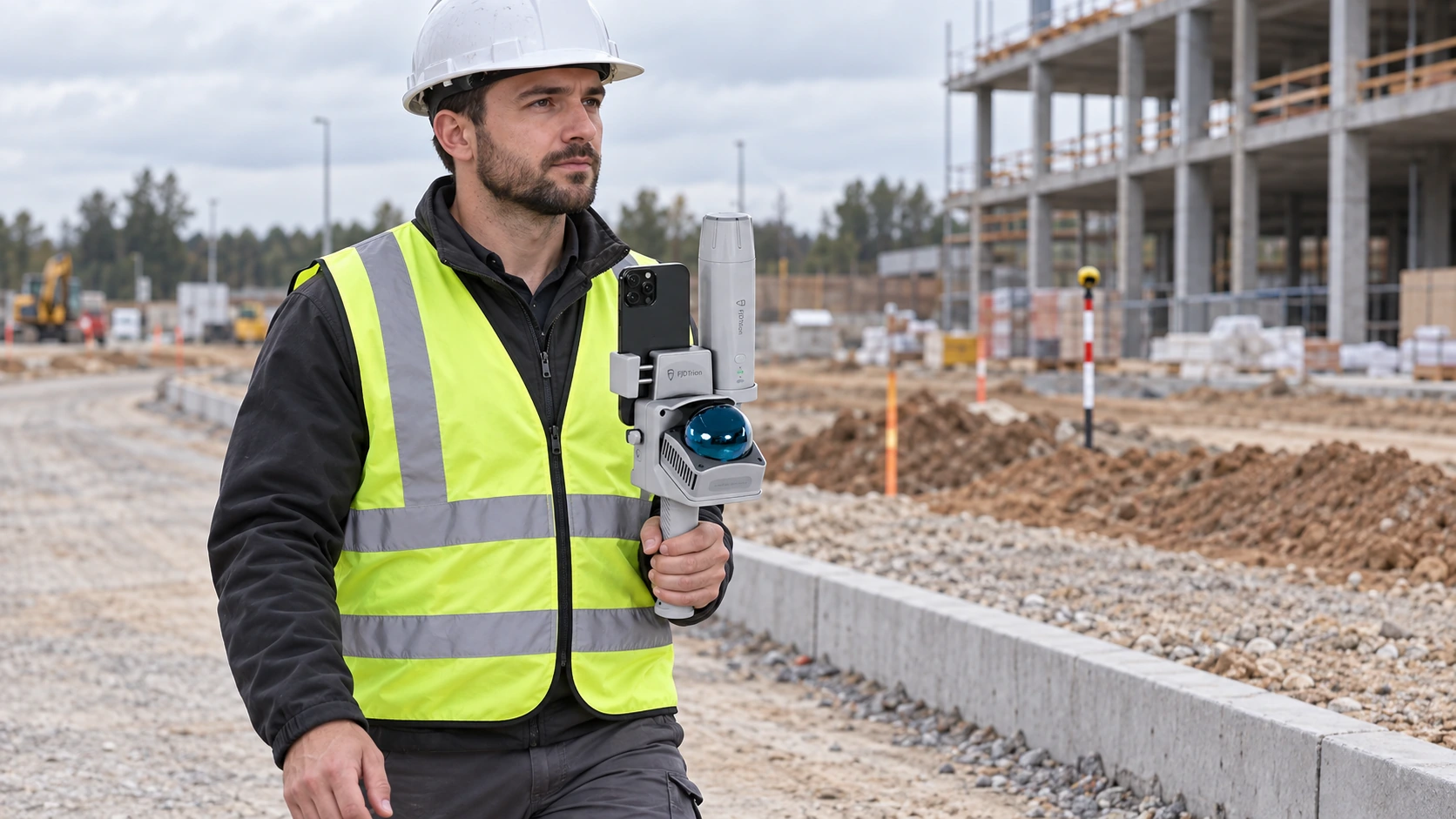
Step 01Configure
Configure
and capture
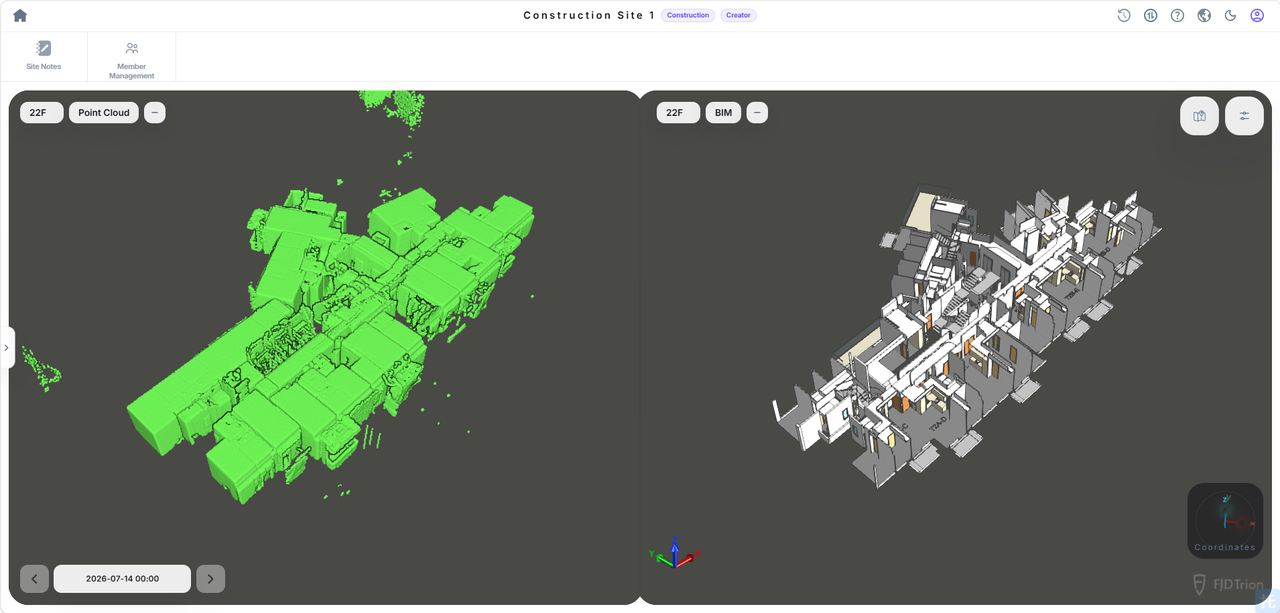
Confirm the Combo package contents, app and coordinate reference. Collect the scene and retain independent control/checkpoint observations.
Checks & results
- Quality checks
- Equipment list, firmware and app, reference, mounting and independent control.
- Deliverable
- Raw scan and reference observations.
Why it mattersKeep the capture tied to an agreed setup.
Step 02Process
Process
and register
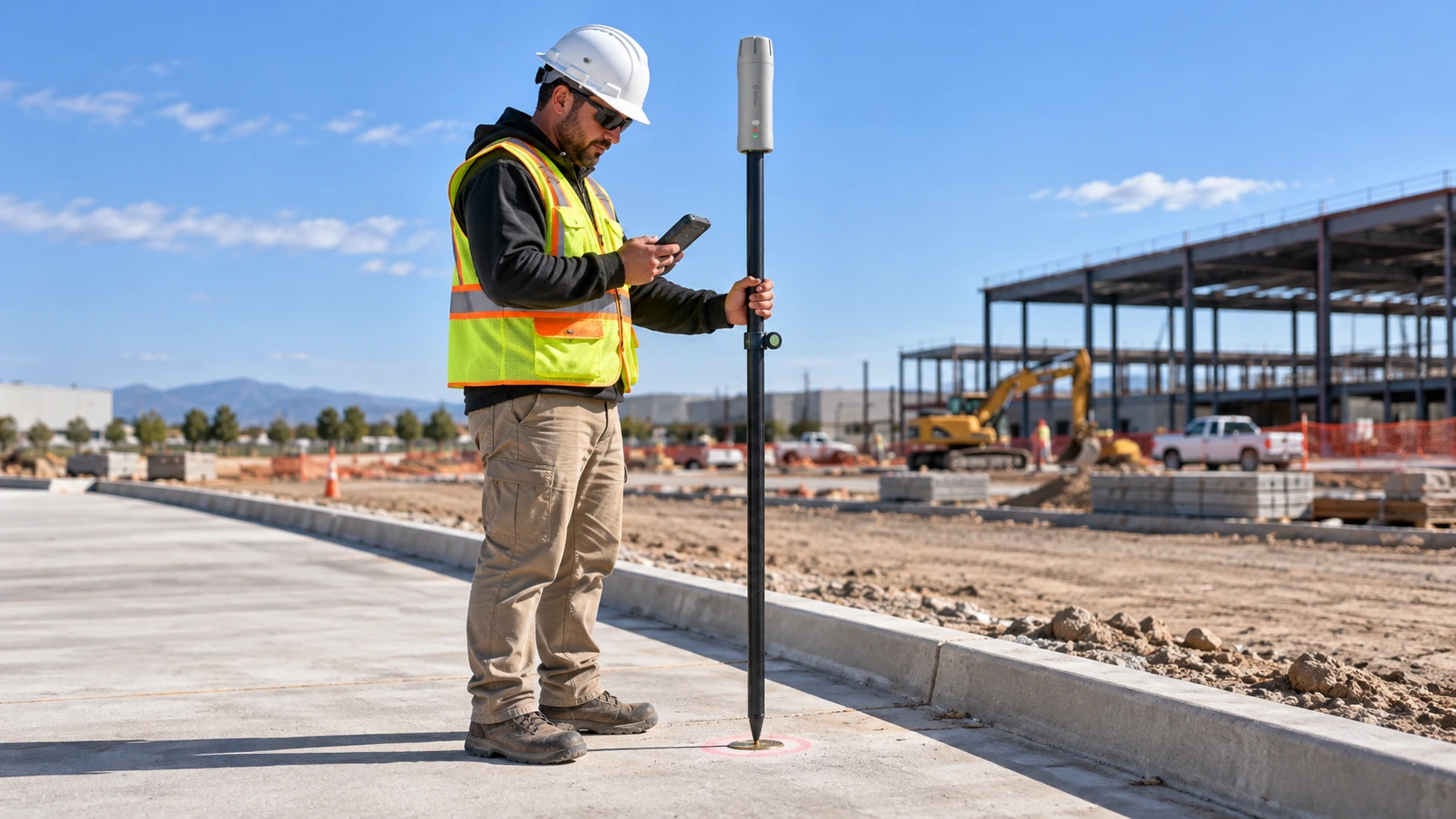
Process the supported scan data and apply the project reference using the current approved software route.
Checks & results
- Quality checks
- Supported inputs and project coordinate settings.
- Deliverable
- A processed, registered dataset.
Why it mattersPrepare the dataset before judging its coordinate agreement.
Step 03Check
Check
independently
Compare the processed result with independent checkpoints. Record residuals and gaps; global coordinates alone do not establish accuracy throughout the model.
Checks & results
- Quality checks
- Independent checkpoints, residuals, geometry and coverage.
- Deliverable
- Recorded validation and exceptions.
Why it mattersAvoid treating coordinate labels as proof of accuracy.
Step 04Share
Share
and export
Open the agreed export, include reference and check notes, and give the office a documented project dataset.
Checks & results
- Quality checks
- Readable export, agreed format, reference notes and permissions.
- Deliverable
- A checked handover for the receiving team.
Why it mattersReduce ambiguity in downstream use.
DeliverablesDeliverables for
Deliverables for
your project team.
- Original scan data and control information
- A checked, georeferenced point cloud
- Shared project views and agreed export files
A verified project sample for this workflow will be added here. The reference image is not a same-project acceptance record.
Request a sample datasetWhat could your team save?
Estimate labour savings, payback and five-year returns for your project.
Application requirementsIs this the right fit
Is this the right fit
for your site?
Construction sites · Open utilities · As-built records
How is georeferencing accuracy verified?
No. Keep separate evidence for scan geometry, point measurements and project coordinates. Independent checkpoints are needed for the intended use.
What is included in Combo?
Confirm the current itemised equipment list, receiver/scanner models, mounts, compatible phone and included software. Do not infer the bundle from another V4E model’s images.
Can Go also have GNSS?
Yes, the Go store lists GNSS and no-GNSS variants. Choose between current verified configurations by task, existing equipment and required outputs, not by a simple product ranking.
Purchase & consultationSpecify the setup
Specify the setup
for your project.
Choose your equipment, or talk through your project with our team.