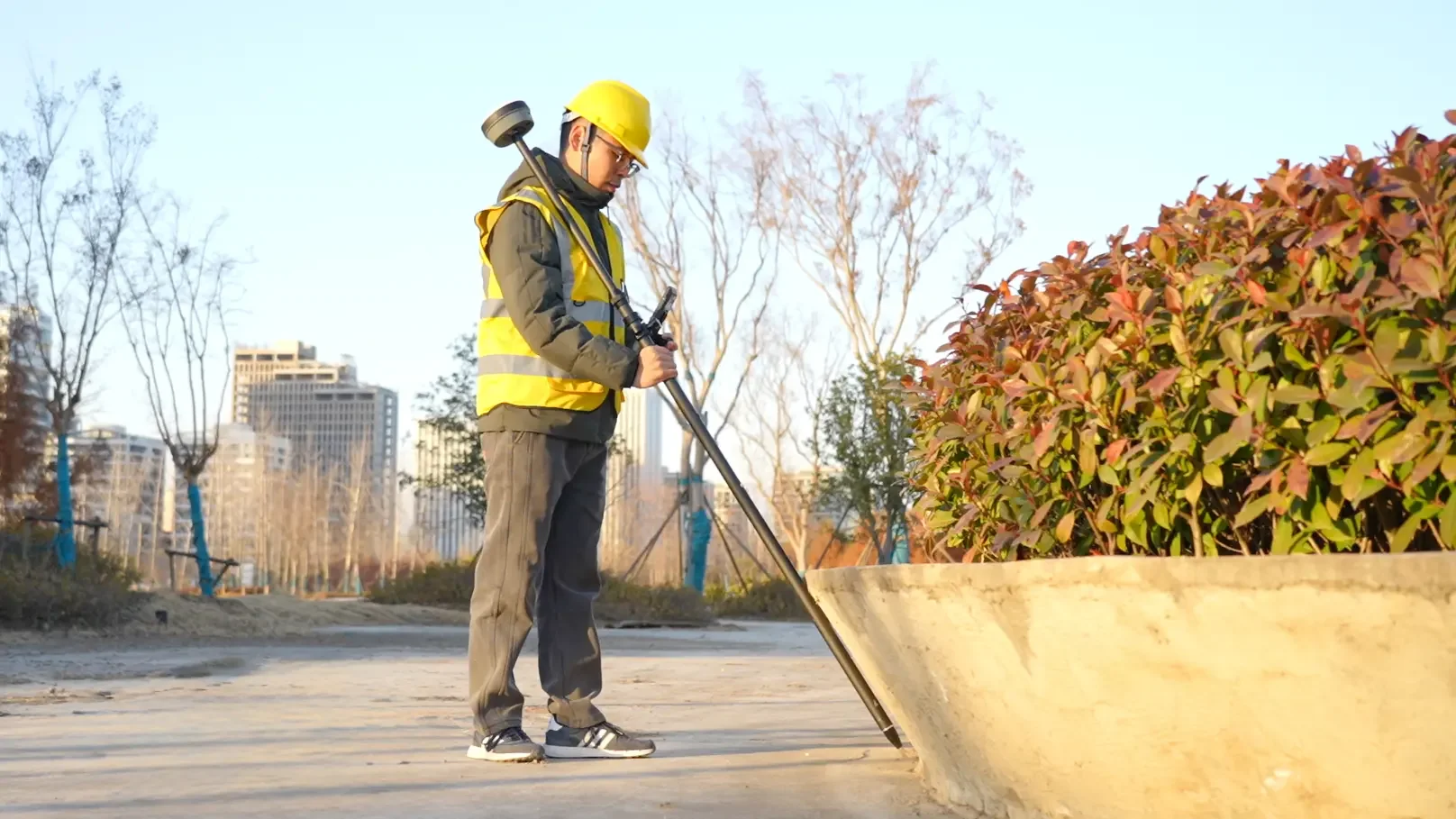
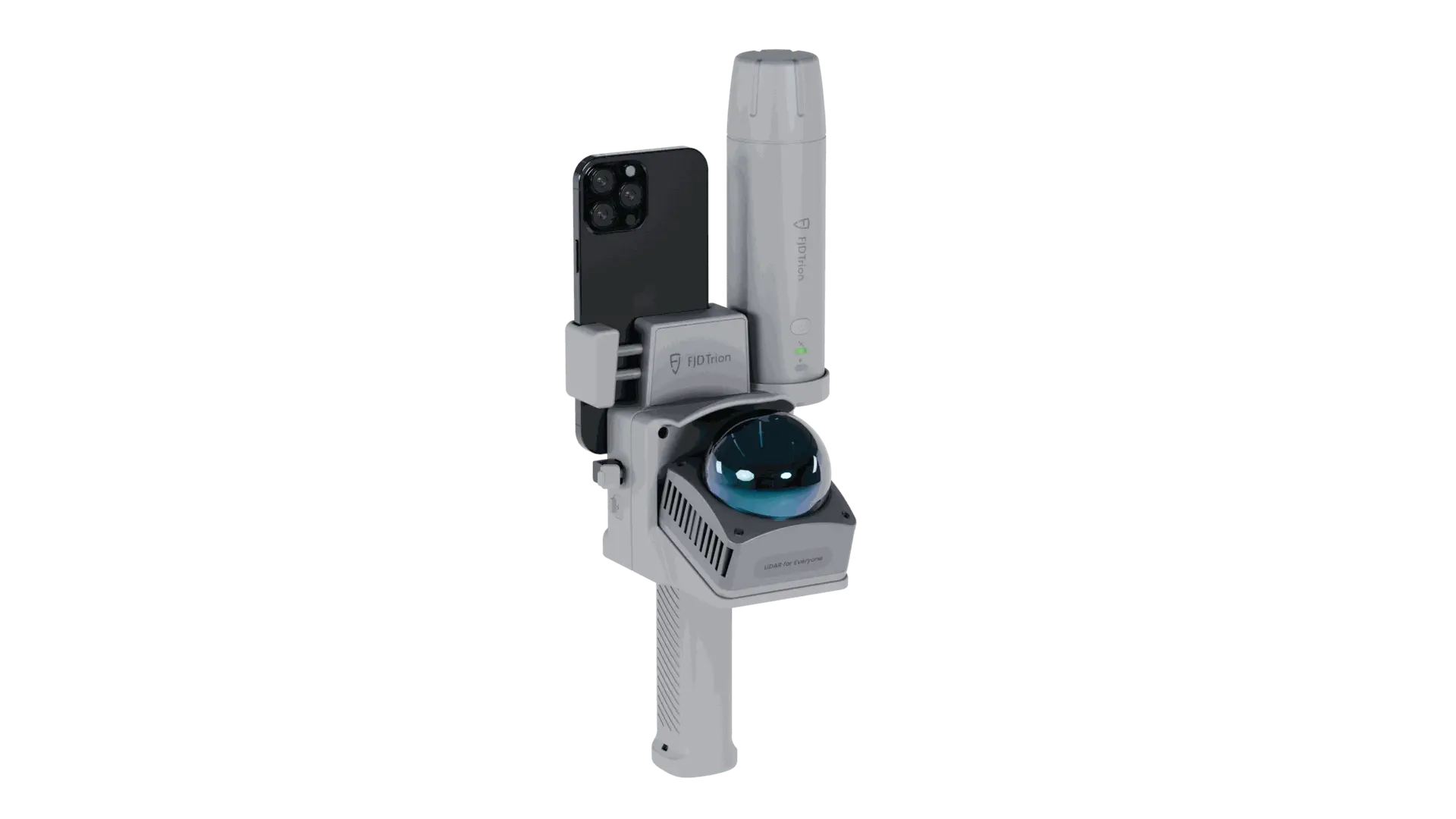
Topographic surveyUnderstand the ground.
Understand the ground.
Plan the next step.
Consistent site recordsEarlier gap detectionSmoother CAD / GIS handover
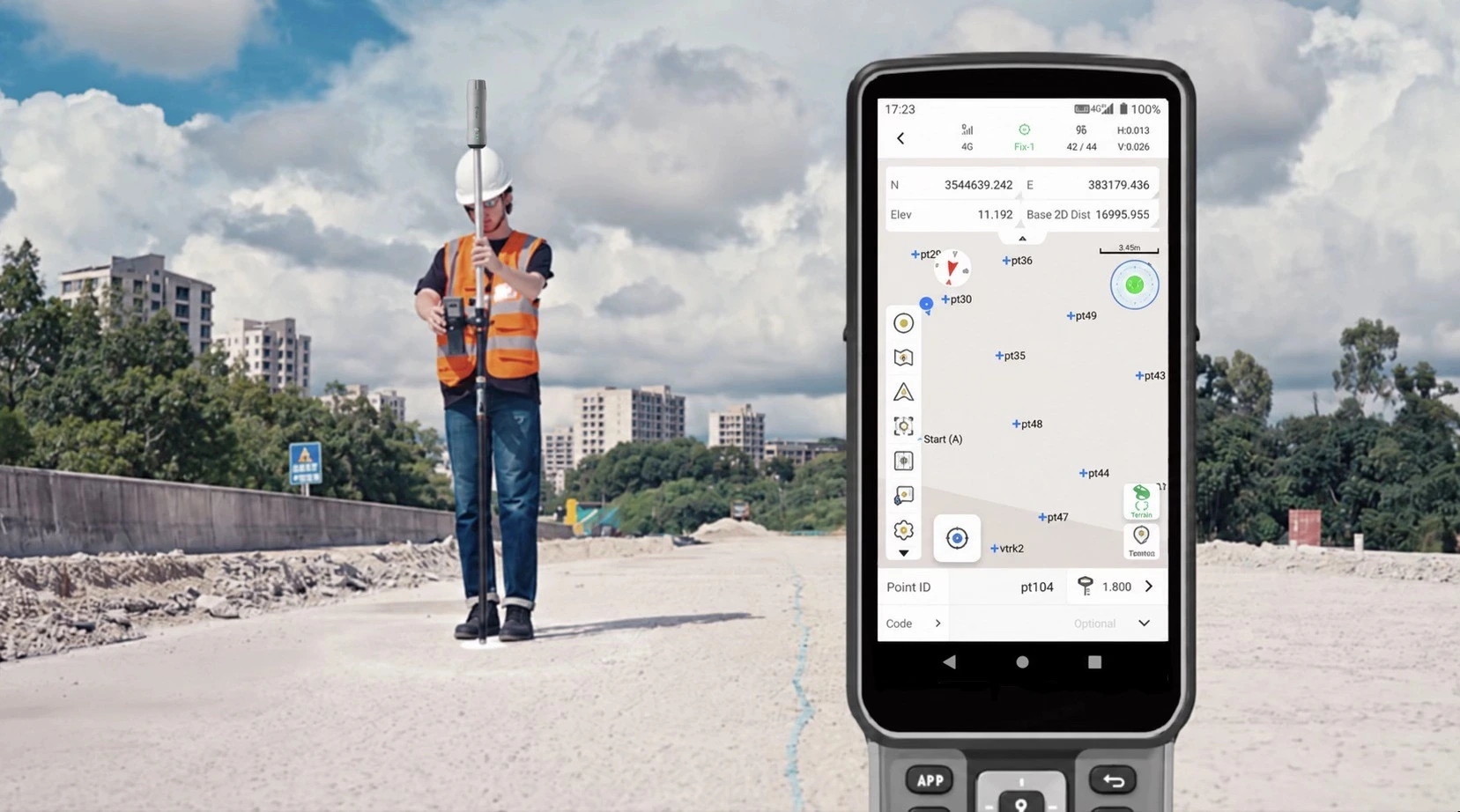
Horizontal GNSS RMS
Manufacturer specificationWorkflow benefit
Export structured survey data for CAD and GIS review.Recommended setupAn integrated setup.
An integrated setup.
From field to office.
Combine V4E Pro GNSS positioning with Trion Survey for coded observations and CAD/GIS data delivery.
Connected tools. One field workflow.
V4E Pro + Trion Survey
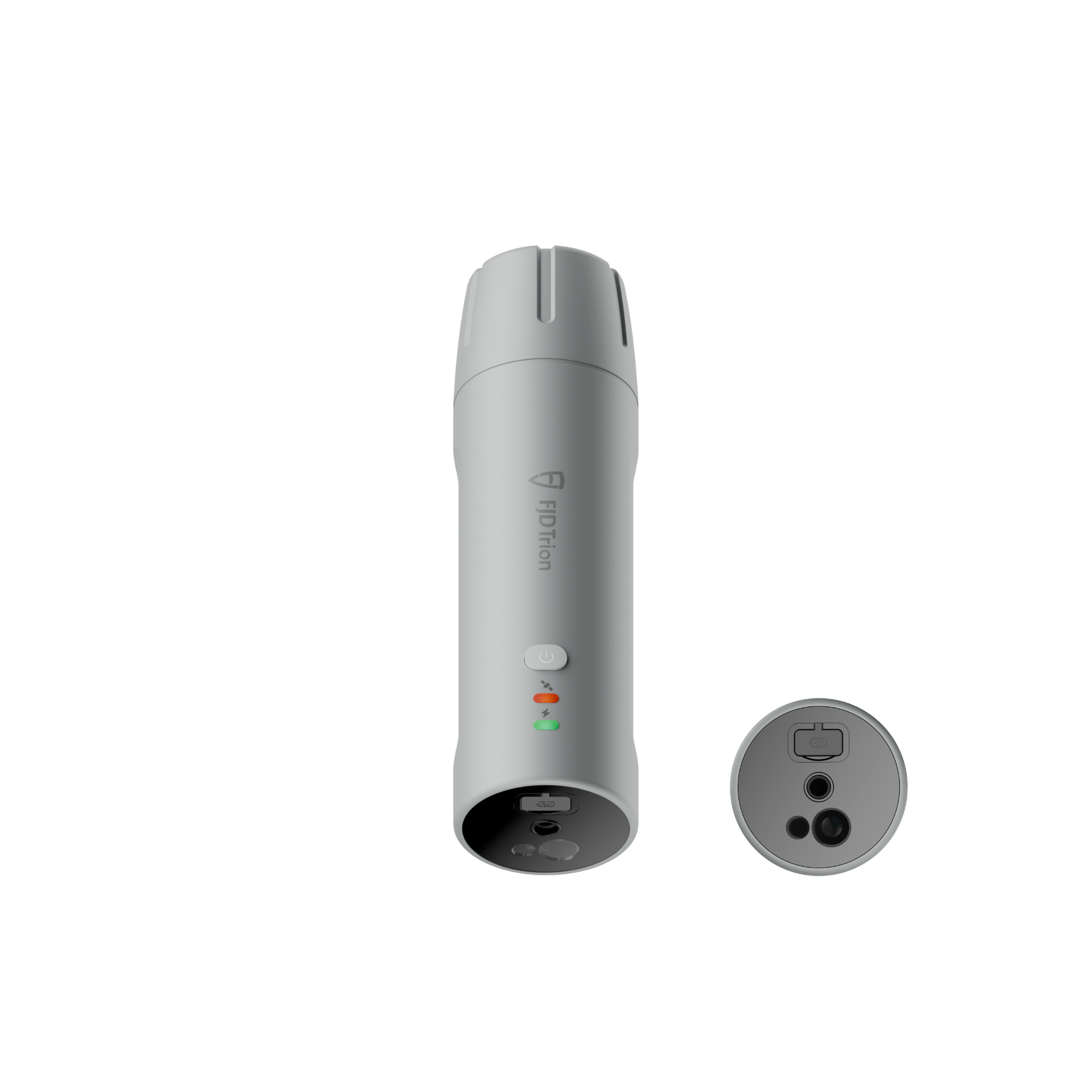
V4E Pro
Collect control, terrain and feature points with GNSS positioning.
View in storeProduct detailsPackage & compatibility details for V4E Pro
Before ordering: select the receiver, Survey App or controller kit; confirm correction service, network/SIM needs, pole and software/export costs.
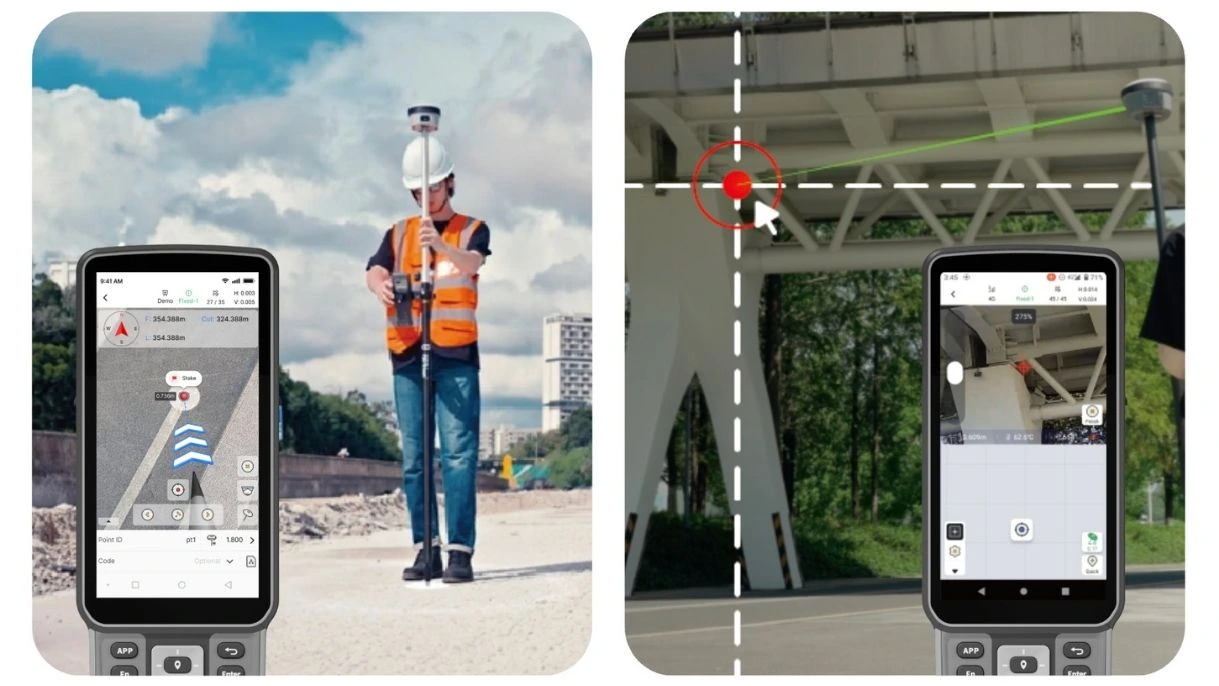
Trion Survey
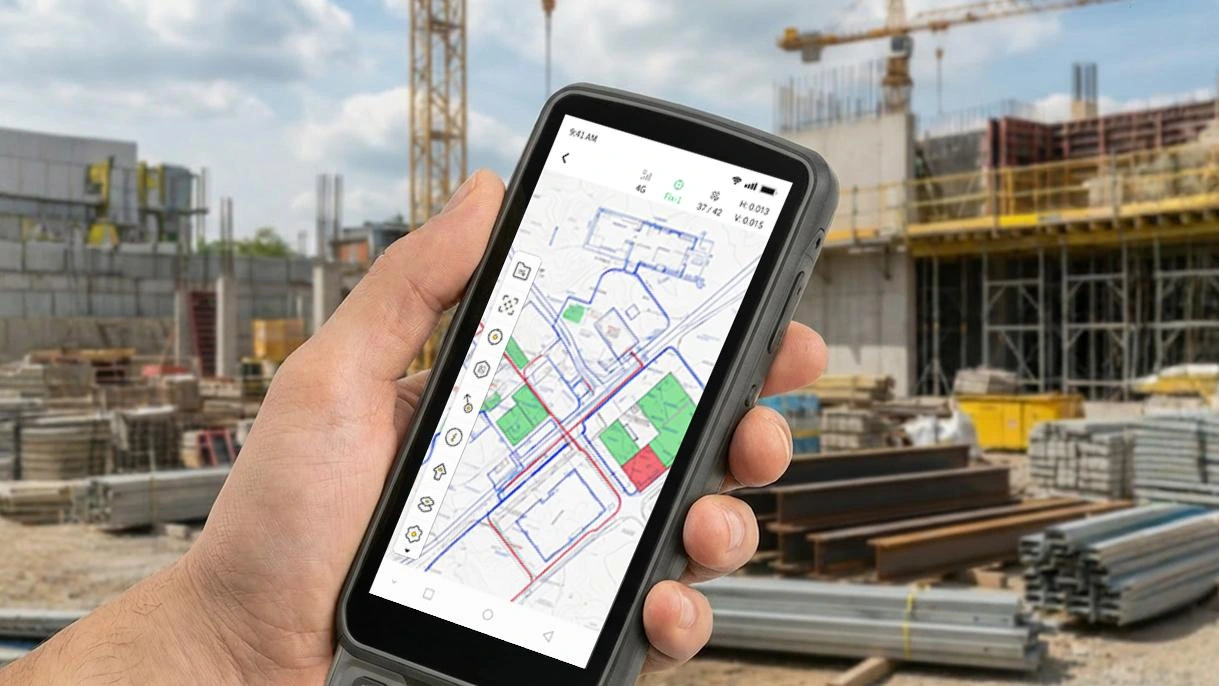
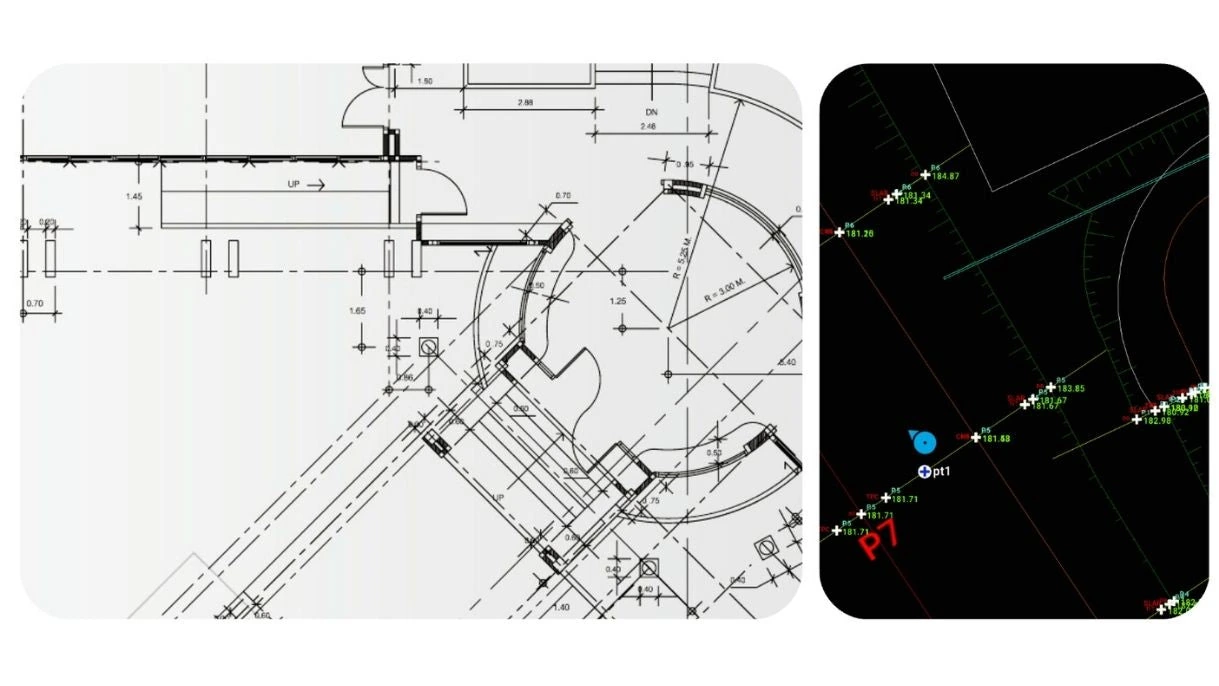
Bring drawings into the field and take checked survey records back.
View in storeProduct detailsPackage & compatibility details for Trion Survey
Confirm controller compatibility, app licence, required import/export formats and whether the hardware bundle already includes the licence.
Hardware, accessories and software plans may be sold separately. Confirm the selected package before ordering.
WorkflowFrom field preparation
From field preparation
to project handover.
Site planning · Terrain · Asset locations
Topographic survey
View the field workflow.
Video coming soon
Step 01Configure
Configure
and check
Create the survey project, configure the coordinate reference system and correction service, enter the pole height and verify a known control point.
Checks & results
- Quality checks
- Coordinate and height datum, correction source, pole height, quality status and a known point.
- Deliverable
- Project settings and the initial control check.
Why it mattersHelp prevent downstream coordinate mismatches.
Step 02Survey
Survey
site features
Measure the terrain and features with consistent codes. Record the receiver/app version and any interruptions or poor conditions.
Checks & results
- Quality checks
- Codes, coverage, quality status, model/app version and interruptions.
- Deliverable
- Raw coded observations with field notes.
Why it mattersCarry the site context into the office with the data.

Step 03Complete
Complete
quality checks
Check coverage, perform an independent closing check and resolve outliers. A fixed RTK solution alone does not establish survey accuracy.
Checks & results
- Quality checks
- Independent closing check, missing features and anomalous observations.
- Deliverable
- Closing-check results and resolved exceptions.
Why it mattersReduce avoidable return visits for missing observations.
Step 04Export
Export
and validate
Export in the agreed CAD/GIS format. Open the file, retain original data, and document processing time or manual edits.
Checks & results
- Quality checks
- Open the final file; record units, format, processing time and manual edits.
- Deliverable
- Original data, the validated export and supporting notes.
Why it mattersReduce file preparation and clarification at handover.
DeliverablesDeliverables for
Deliverables for
your project team.
- Original observations, coordinate settings and control checks
- Coded points plus quality and exception records
- A validated export, software/version details and editing notes
A verified project sample for this workflow will be added here. The reference image is not a same-project acceptance record.
Request a sample datasetWhat could your team save?
Estimate labour savings, payback and five-year returns for your project.
Application requirementsIs this the right fit
Is this the right fit
for your site?
Site planning · Terrain · Asset locations
Is this the right workflow for a terrain survey?
Choose this workflow when the job calls for measured control, terrain points and site features. For continuous 3D surfaces or complex geometry, also consider georeferenced LiDAR.
Which files can the office receive?
Trion Survey lists formats including DXF, SHP, CSV-compatible ASCII and other survey formats. Confirm the exact export and coordinate system for your CAD or GIS package.
Purchase & consultationSpecify the setup
Specify the setup
for your project.
Choose your equipment, or talk through your project with our team.