Trench documentationBefore backfill.
Before backfill.
Keep the evidence.
Pre-backfill documentationIdentifiable sectionsDocumented handover
Relative scan accuracy · lab-tested
Manufacturer specificationWorkflow benefit
Keep a reviewable record of visible connections after the trench is closed.Recommended setupAn integrated setup.
An integrated setup.
From field to office.
Combine V4E Go field scanning with Model Web processing for pre-backfill utility documentation.
Connected tools. One field workflow.
V4E Go + Model Web
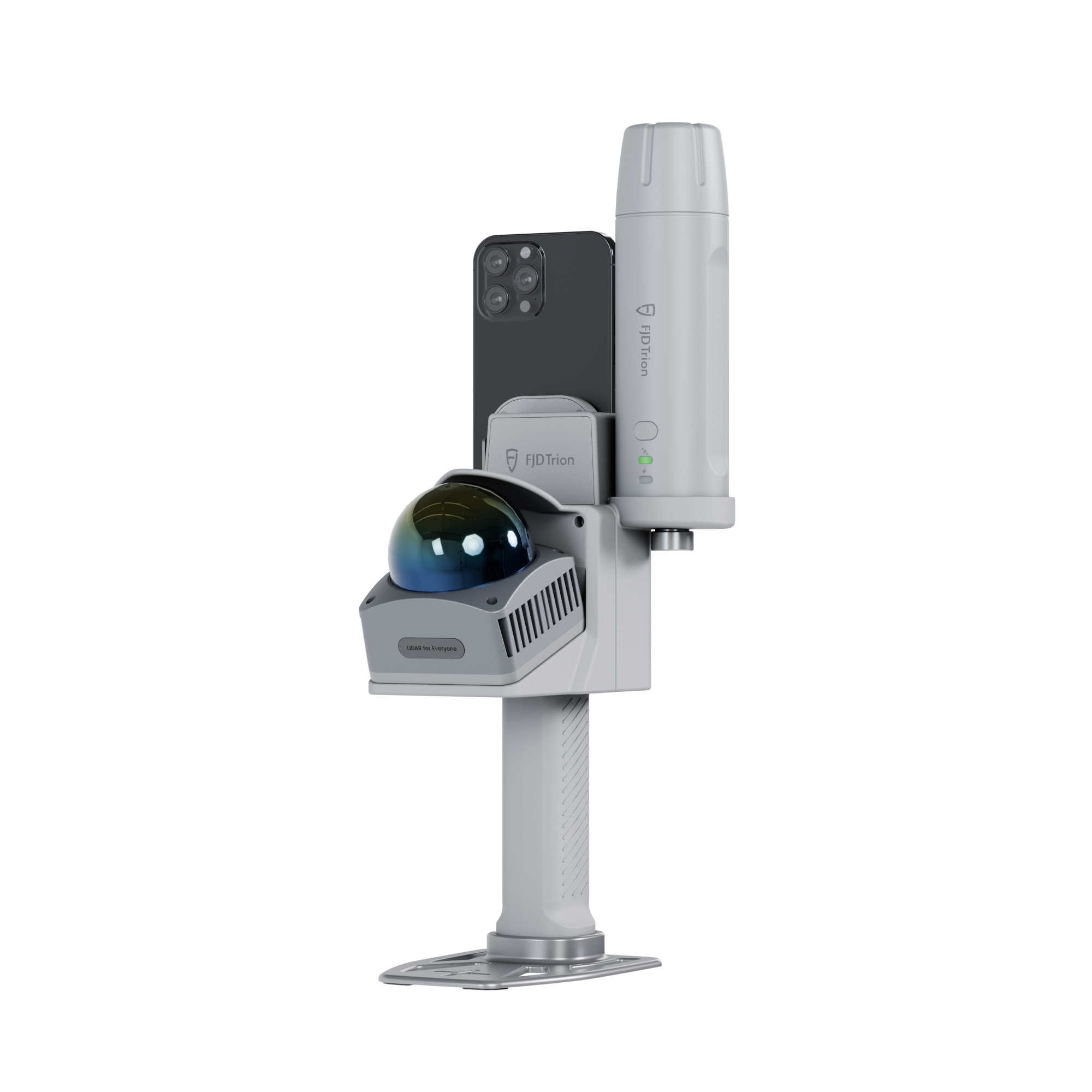
V4E Go
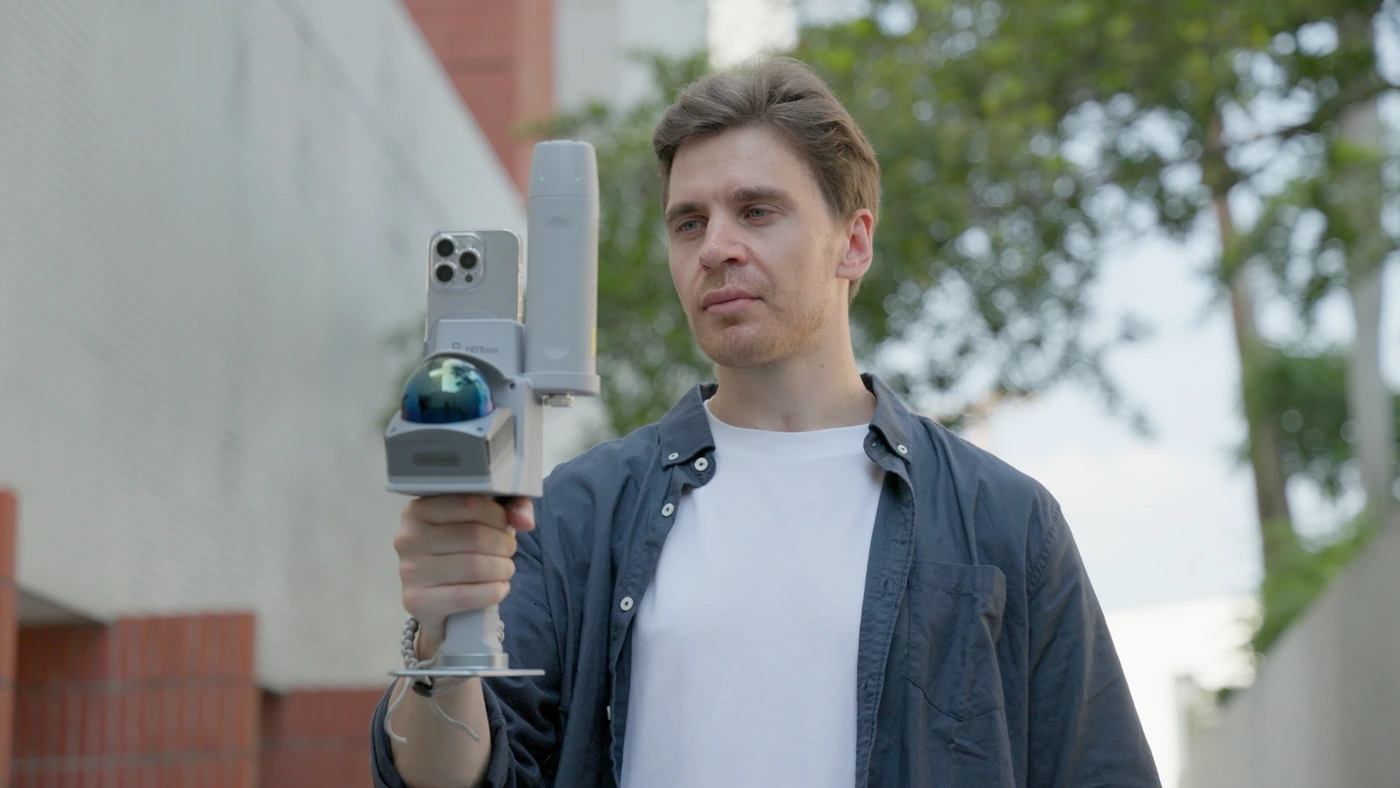
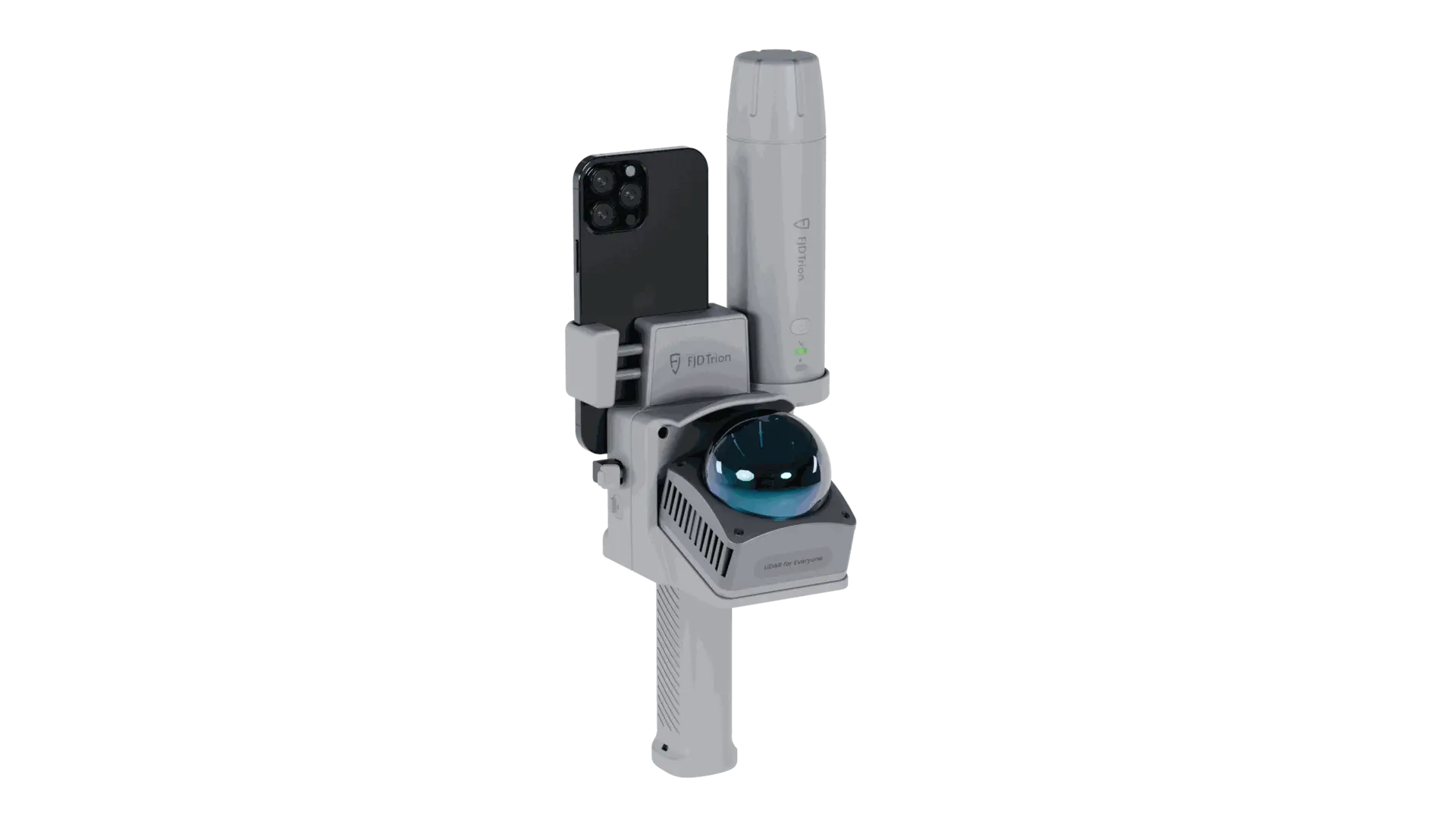
Capture visible pipework and site geometry with handheld LiDAR.
View in storeProduct detailsPackage & compatibility details for V4E Go
Before ordering: select the GNSS or no-GNSS option, check phone compatibility, correction needs, mounting accessories and Model Web processing costs.
Model Web
Process scan data, review the result and share project outputs.
View plans in storeProduct detailsPackage & compatibility details for Model Web
Confirm supported inputs, activated modules, storage/credits and export costs. A software subscription is not assumed to be included with hardware.
Hardware, accessories and software plans may be sold separately. Confirm the selected package before ordering.
WorkflowFrom field preparation
From field preparation
to project handover.
Pipeline contractors · Site supervisors · As-built documentation
Step 01Identify
Identify
the section
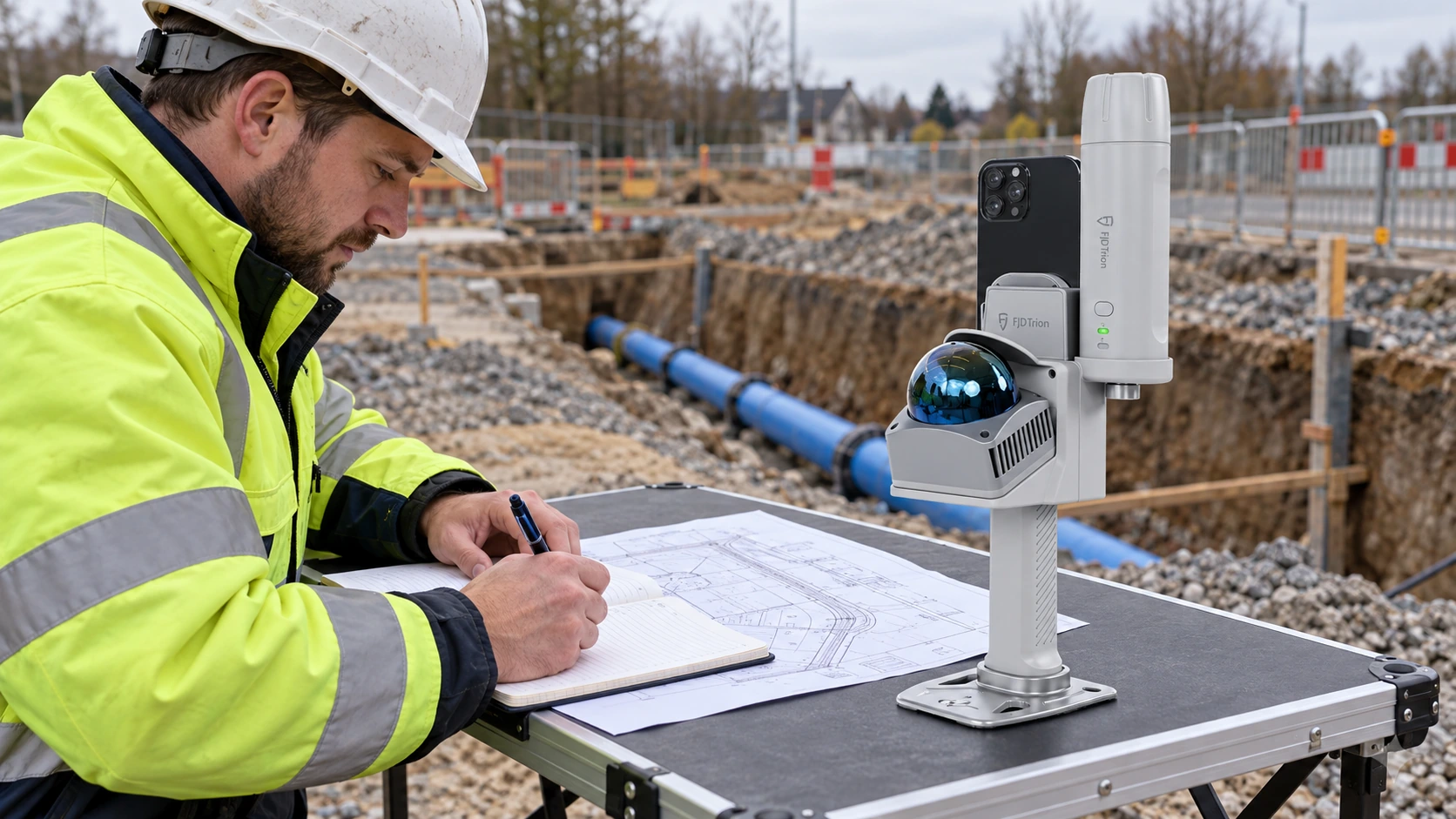
Agree the delivery requirements. Set the project number, section ID and date before the backfill window.
Checks & results
- Quality checks
- Task scope, required outputs and section reference.
- Deliverable
- A traceable section brief.
Why it mattersKeep records tied to the correct section.
Step 02Capture
Capture
visible details
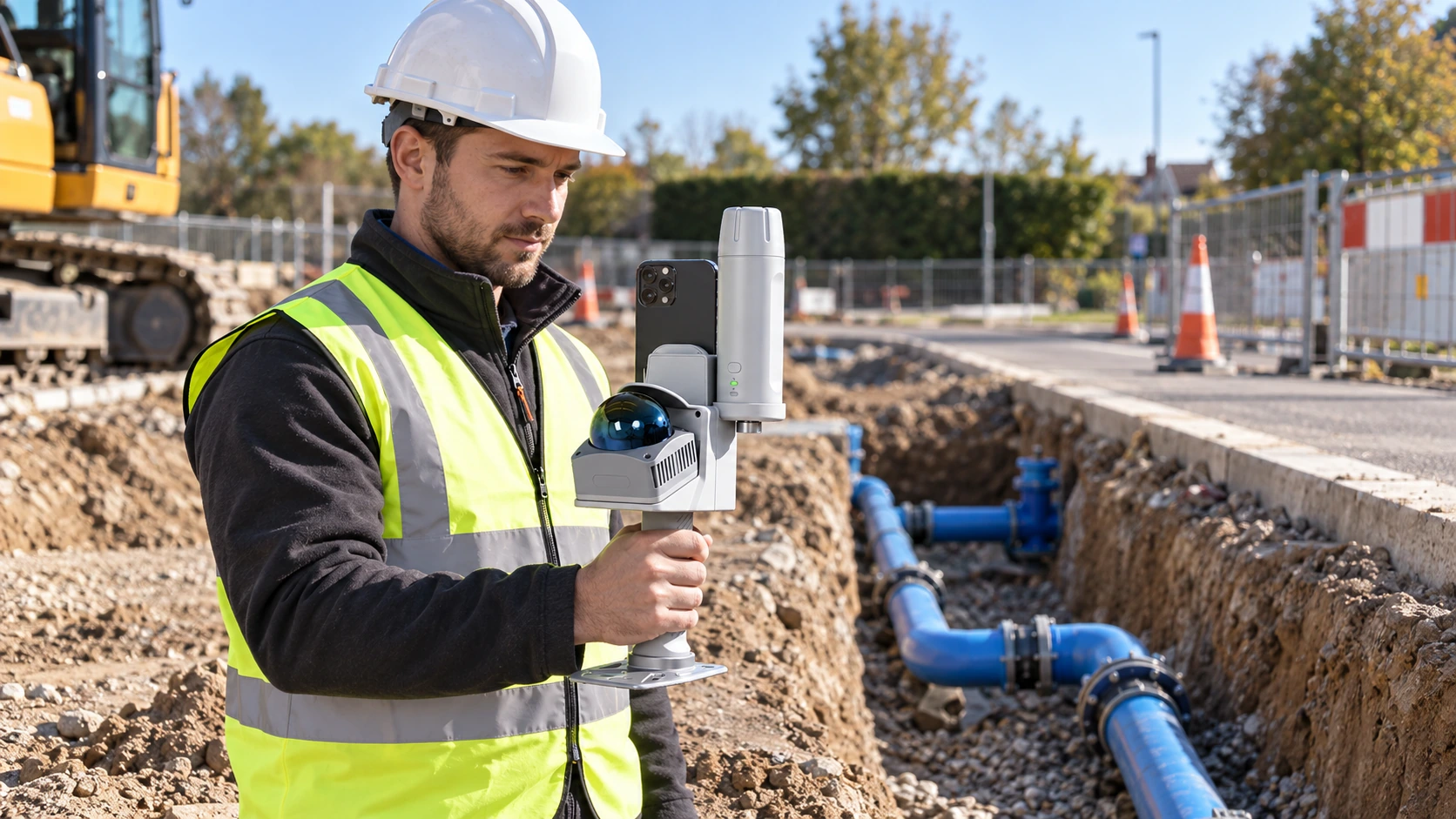
From a safe position, capture visible pipes, joints, elbows, branches, crossings and environment references.
Checks & results
- Quality checks
- Visibility, access, current Go setup and capture quality.
- Deliverable
- Original capture and contextual photographs.
Why it mattersRecord what will no longer be visible after backfill.
Step 03Check
Check
and rescan
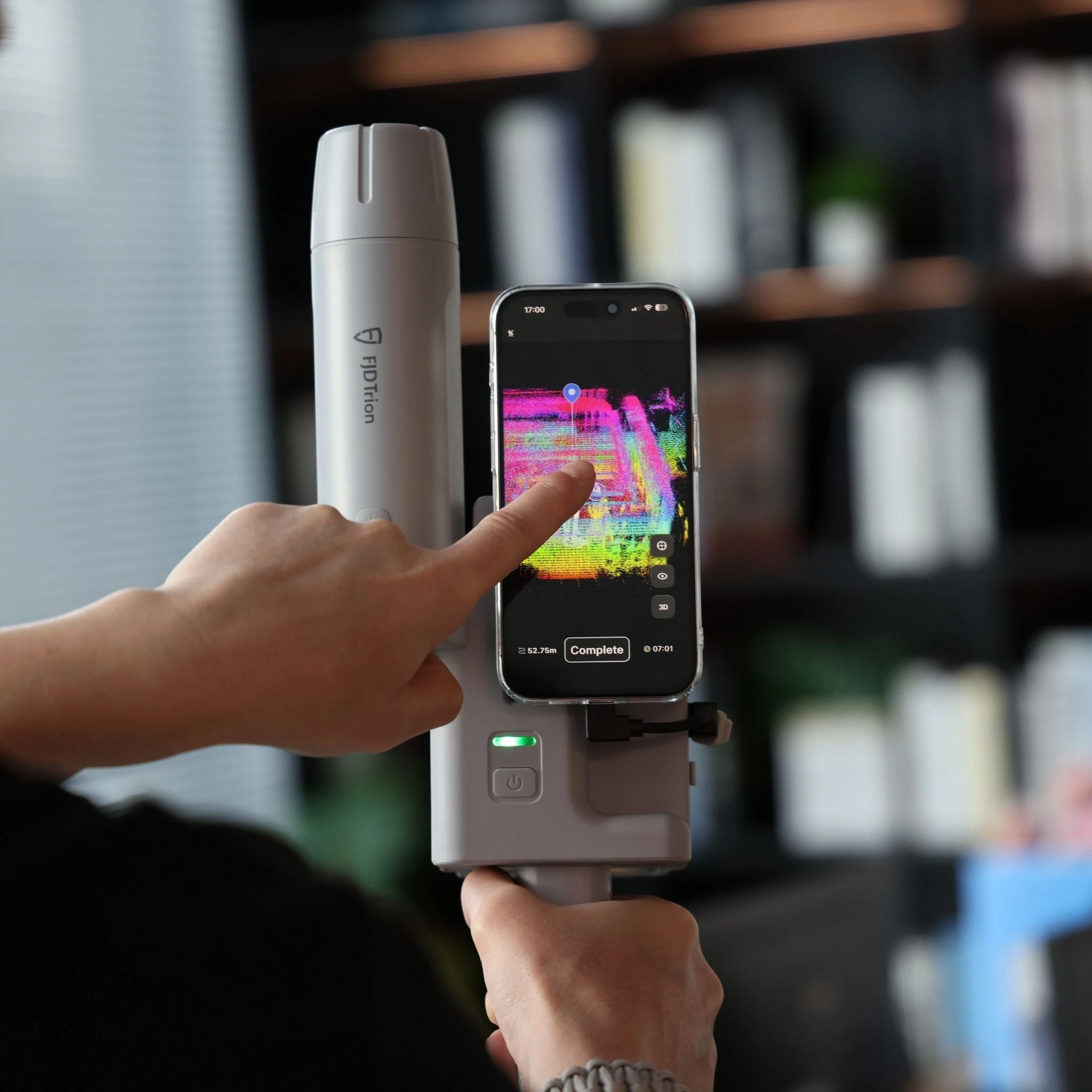
Check omissions on site, rescan missing views and record water, mud or occluded sections without guessing hidden geometry.
Checks & results
- Quality checks
- Coverage of each required visible feature.
- Deliverable
- Coverage notes and any additional capture.
Why it mattersFind gaps while the section is still open.
Step 04Process
Process
and verify
Follow the supported processing workflow. Georeference the dataset where required and retain independent check results.
Checks & results
- Quality checks
- Actual software output, reference, checks and manual edits.
- Deliverable
- Processed outputs plus verification notes.
Why it mattersSeparate attractive visuals from accepted measurements.
Step 05Hand over
Hand over
the record
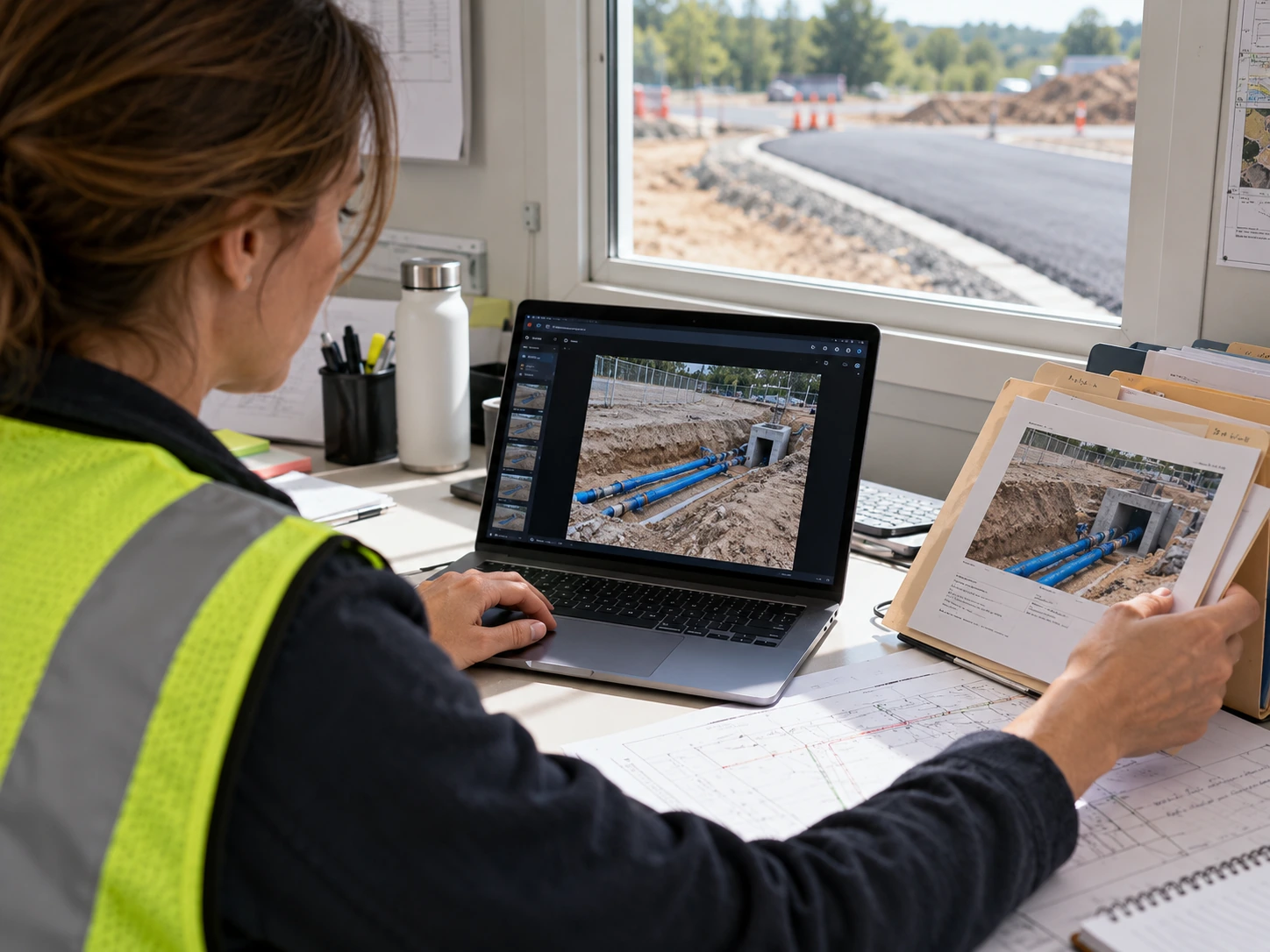
Package the section description, original records, supported spatial output and check notes for the office.
Checks & results
- Quality checks
- Open files and locate a specified joint and section.
- Deliverable
- A traceable deliverable package.
Why it mattersHelp office reviewers find the feature they need.
Step 06Revisit
Revisit
after backfill
Use the section ID to retrieve the earlier record and compare documented conditions. Review the archived survey; this does not provide detection through soil.
Checks & results
- Quality checks
- Same project, section and capture date.
- Deliverable
- Historical evidence with its original limitations.
Why it mattersKeep earlier site conditions available after covering.
Deliverables
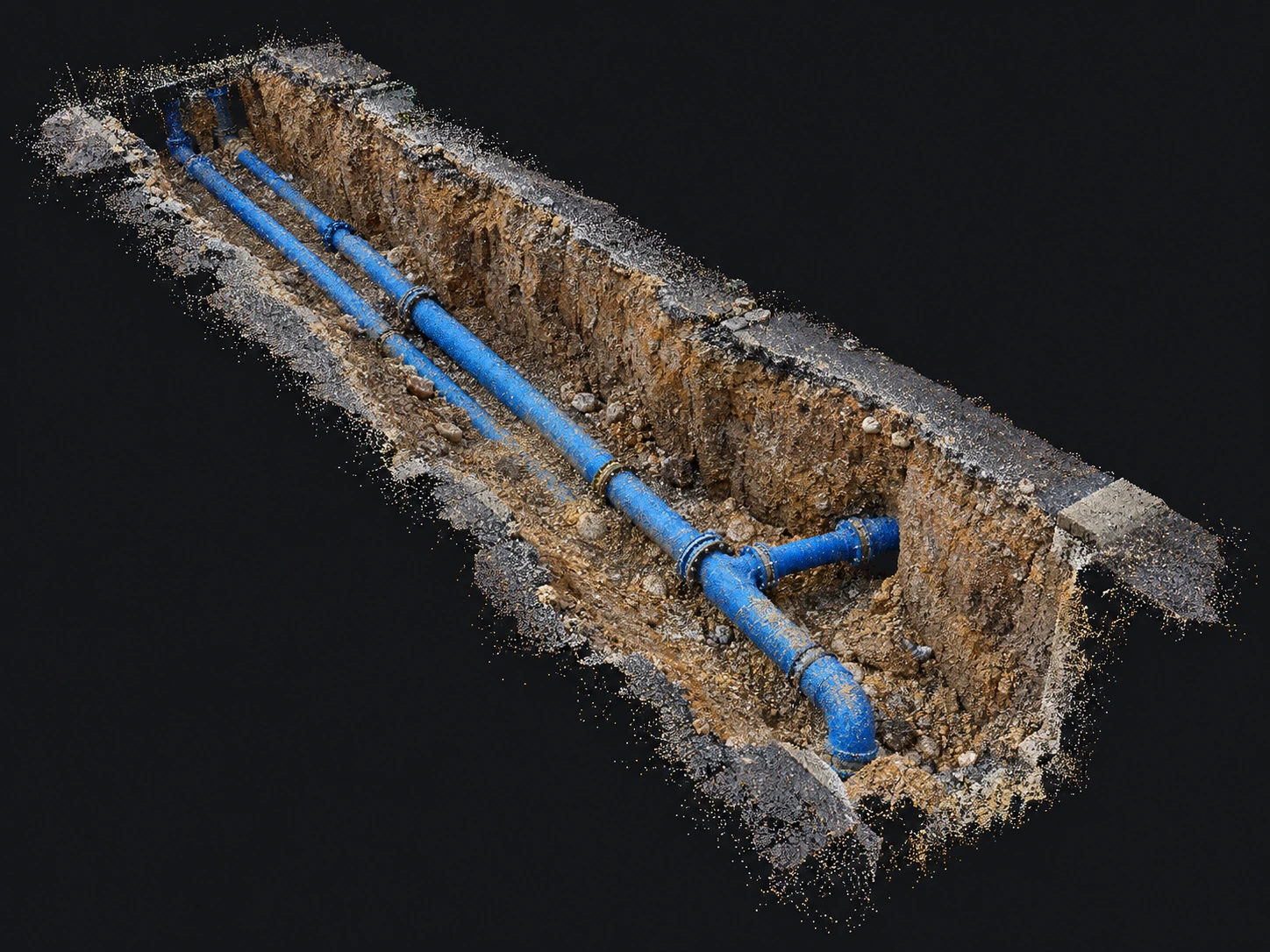
Review the point cloud.
Verify dimensions.
Review captured pipework in 3D before it disappears beneath the surface.
- Inspect visible pipes, joints and surrounding trench geometry
- Measure distances and elevations in validated, correctly scaled data
- Retain the coordinate reference, independent checks and original capture
Measurement accuracy depends on capture quality, scale, coordinates and independent verification.
Request a sample dataset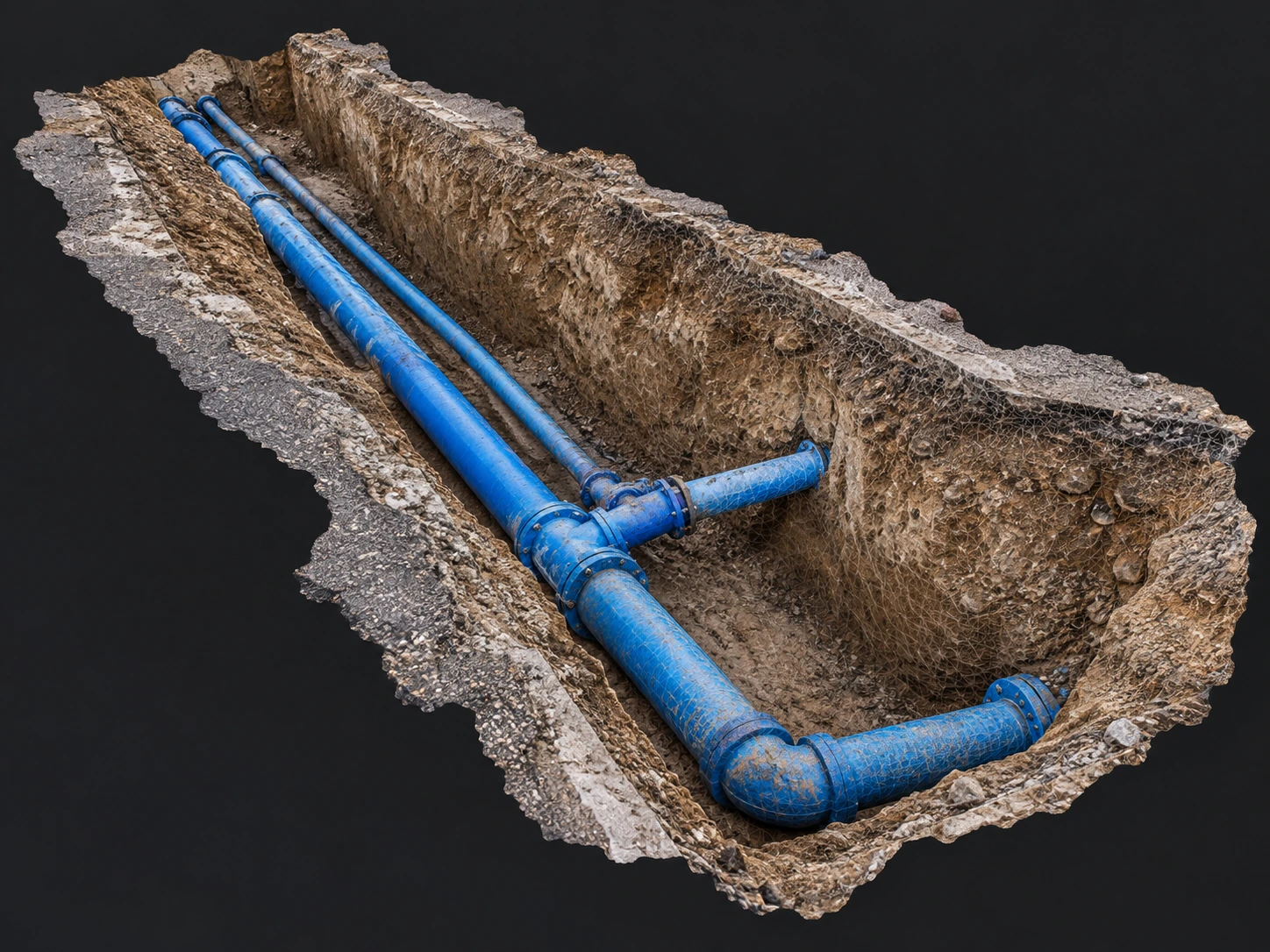
Review the mesh.
Interpret site geometry.
Turn the captured section into a textured surface model for engineering review.
- Recognise visible branches, crossings and connections in a textured model
- Review dimensions on a validated mesh in compatible measurement software
- Share the section model with reference notes and documented gaps
Mesh availability and export depend on the processing plan. Reconstructed surfaces must be checked against the source data.
Request a sample datasetWhat could your team save?
Estimate labour savings, payback and five-year returns for your project.
Application requirementsIs this the right fit
Is this the right fit
for your site?
Pipeline contractors · Site supervisors · As-built documentation
Which trench conditions are suitable?
The required pipework must be exposed and visible from a safe access position. Water, mud, occlusion and inaccessible areas must be recorded as limitations.
Can the scanner identify pipe size, material or buried routes?
Do not assume automatic identification. Confirm diameter and material from labels, drawings or manual inspection. Depth requires a surface or design elevation, a shared datum and measurement evidence. Unseen sections are not reconstructed as verified facts.
What information is needed for a demonstration?
Site photos, visible features, section length, backfill window, deliverable requirements, existing equipment and region.
How can I review a sample dataset?
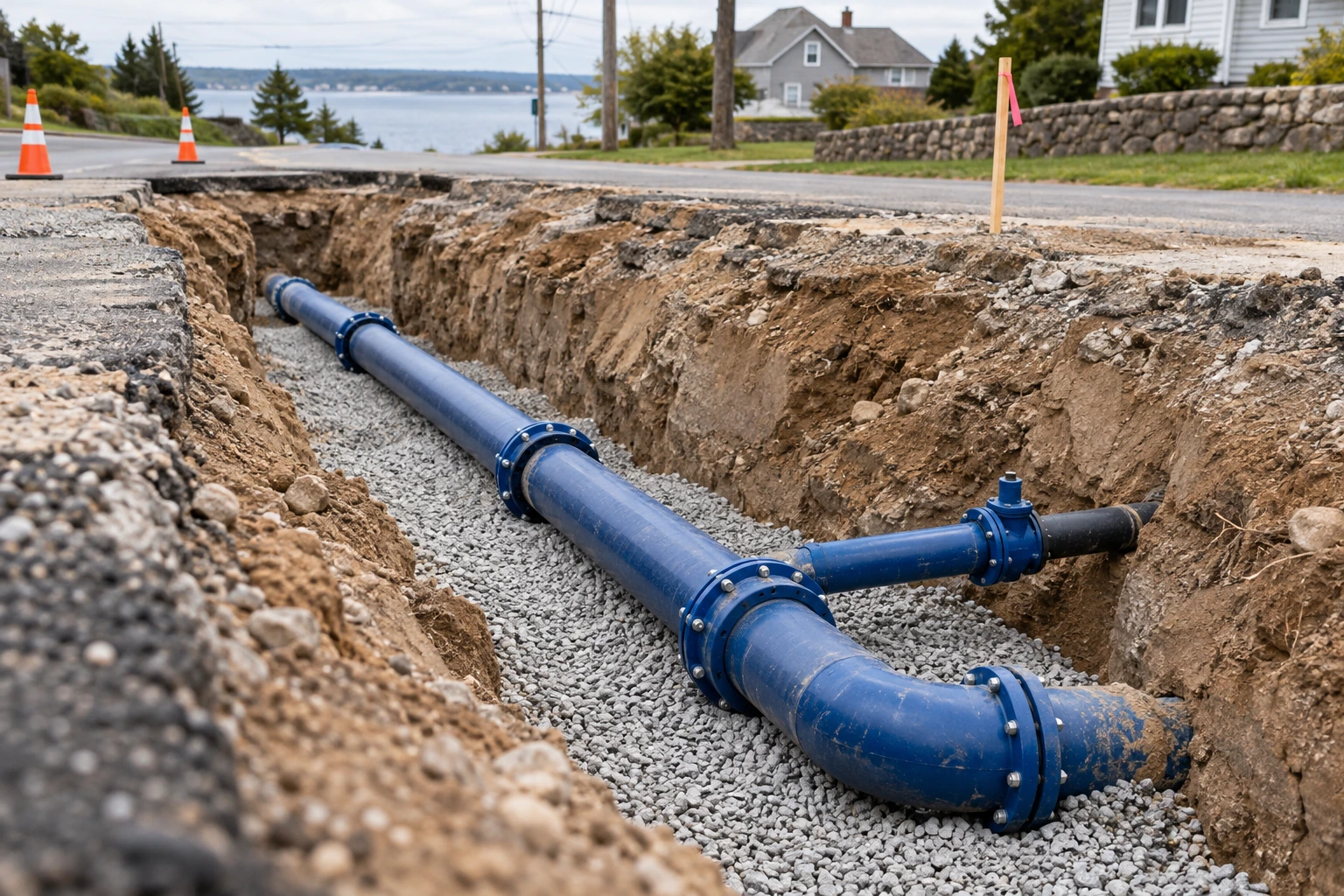
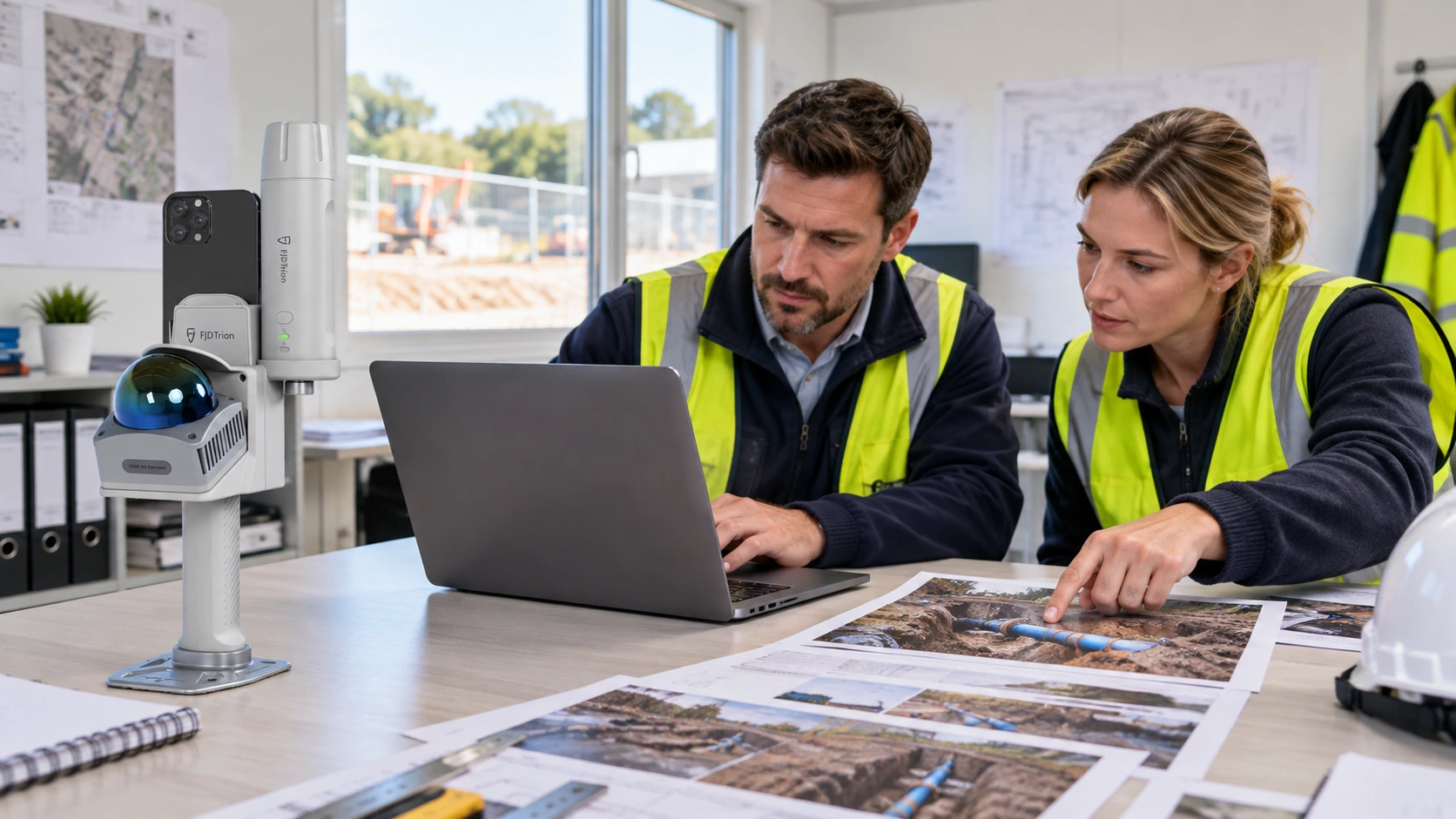
The scene image in this preview is AI generated. Request a real same-section capture, raw data, actual software output, independent checks and itemised setup before judging performance.
Purchase & consultationSpecify the setup
Specify the setup
for your project.
Choose your equipment, or talk through your project with our team.